> For the complete documentation index, see [llms.txt](https://docs.rhsmods.org/rhs-status-quo-user-documentation/llms.txt). Markdown versions of documentation pages are available by appending `.md` to page URLs; this page is available as [Markdown](https://docs.rhsmods.org/rhs-status-quo-user-documentation/arma-reforger/rhs-status-quo/redfor/weapons/attachments/lasers/zenitco-perst-klassika-v4.0.md).

# Zenitco Perst "Klassika" V4.0

{% hint style="info" %}
Introduced in **0.4.1033**
{% endhint %}

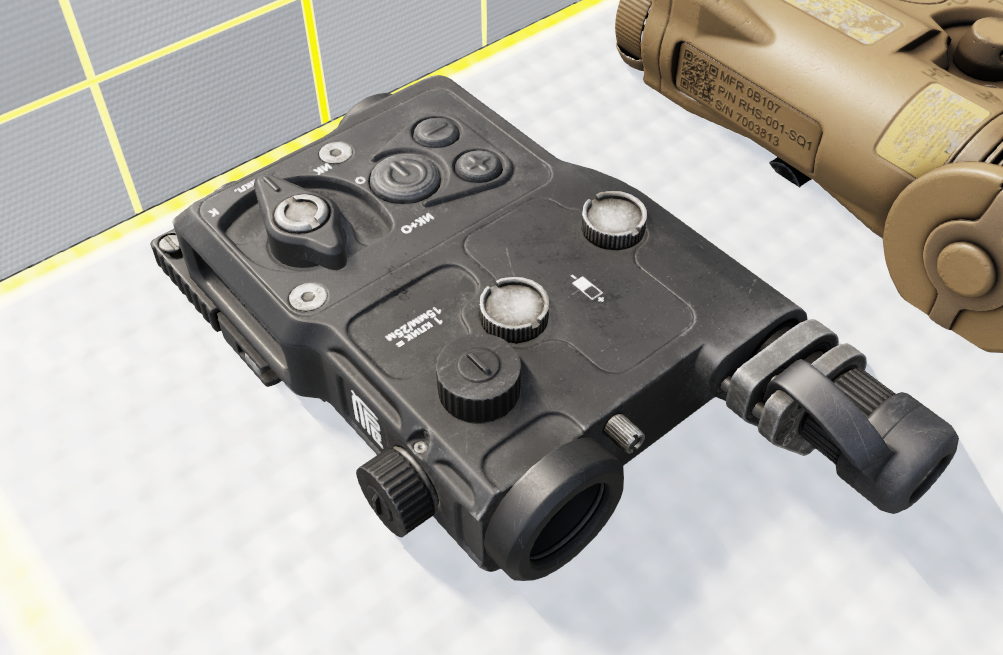
"Perst Classic" gen 4.0 (GREEN+) is designed to indicate the target during observation, inspection and firing from small arms with the "Perst Classic" mounted on, at night in two ranges: green 520 nm and infrared (IR) 850 nm, and also to illuminate the target in IR-range with a wavelenght of 850 nm.

<figure><img src="https://370758970-files.gitbook.io/~/files/v0/b/gitbook-x-prod.appspot.com/o/spaces%2FVykVVurkMJOzqmISKydU%2Fuploads%2Fgit-blob-1f2ed4c040efc7b13670279445563c30f6e94595%2Fimage.png?alt=media" alt=""><figcaption><p>Perst</p></figcaption></figure>

## Operations

The device can be turned `ON and OFF`.

When turning the device `ON`, the selected illuminator mode will be enabled. Turning the device `OFF` will disable all the illuminators.

## Modes

{% hint style="info" %}
**Note:** IR lasers and illuminators can only be seen with appropriate optical devices, such as night vision goggles and scopes.
{% endhint %}

The Pesrt can be set to the following modes:

<table><thead><tr><th>Mode</th><th width="492.3333333333333">Name</th><th>Description</th></tr></thead><tbody><tr><td>OFF</td><td>Off</td><td>The device is off, and pressing ON will do nothing.</td></tr><tr><td>K</td><td>Krasnyj</td><td>Visible red light laser</td></tr><tr><td>O</td><td>Osvetitel'</td><td>IR Illuminator</td></tr><tr><td>IK</td><td>Infrakrasnyj</td><td>IR laser</td></tr><tr><td>IK+O</td><td>Infrakrasnyj+Osvetitel'</td><td>IR laser + IR illuminator.</td></tr></tbody></table>

You can use the selector to set the mode before turning the device ON or during operation.

## IR Laser and Illuminator Frequency

The Perst IR Laser and IR illuminator can be set to pulse at specific frequencies:

* Continuous
* 2 Hz

## Inspection actions

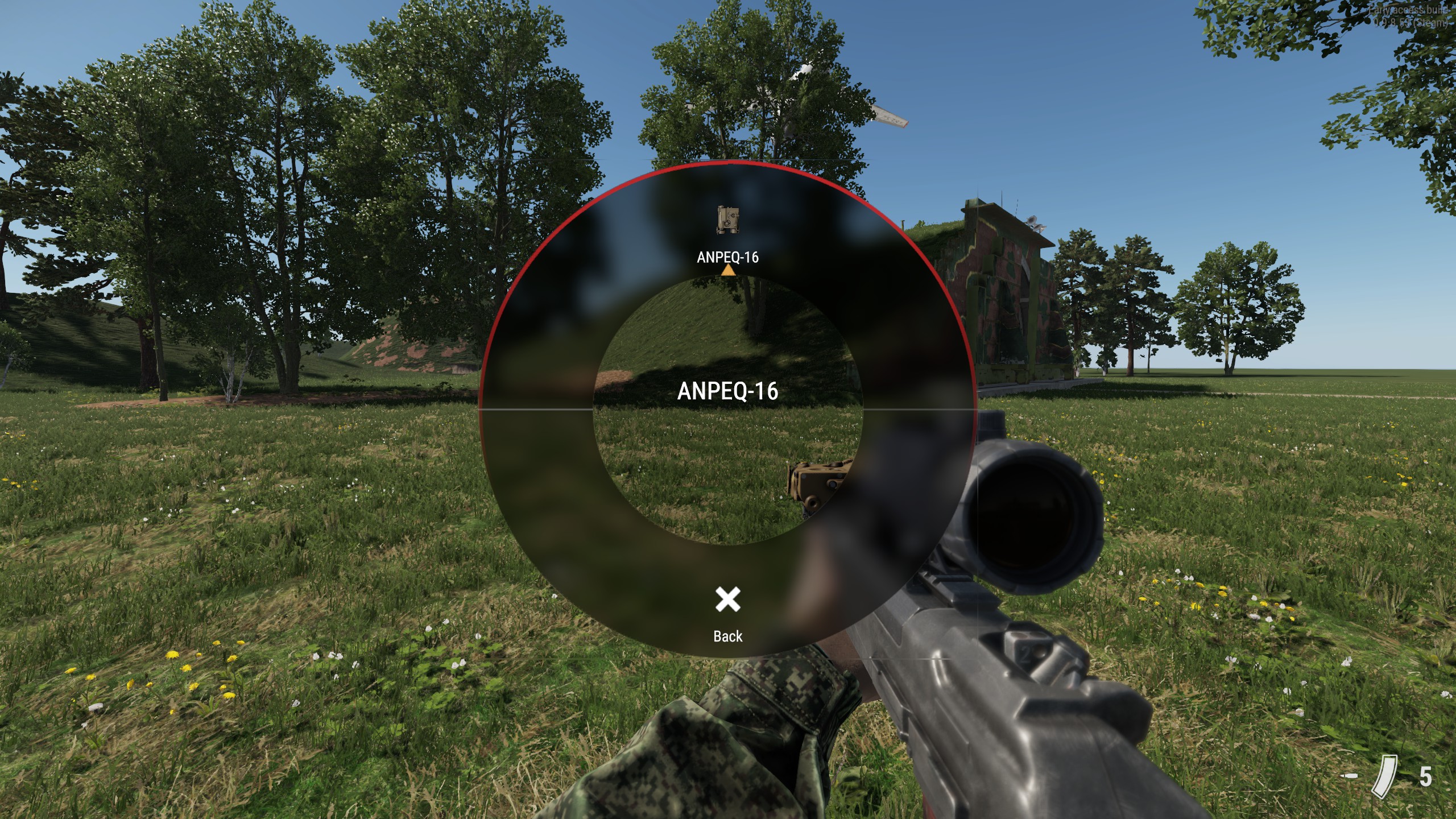
Most actions like for eg turning device On/Off or switching modes can be done via radial menu that by default can be brought up by holding \[**\\**] key.

<figure><img src="https://370758970-files.gitbook.io/~/files/v0/b/gitbook-x-prod.appspot.com/o/spaces%2FVykVVurkMJOzqmISKydU%2Fuploads%2Fgit-blob-3bc81fb72bb5cd3a793606129027b631d9083204%2F20230511151259_1.jpg?alt=media" alt=""><figcaption><p>Radial menu when ANPEQ-16 is attached to the weapon</p></figcaption></figure>

You can also increase and decrease illuminator brightness through inspection.

### Default key binds

Refer to [Default Key Bindings ](/rhs-status-quo-user-documentation/arma-reforger/rhs-status-quo/general-systems/default-key-binds.md)section.